
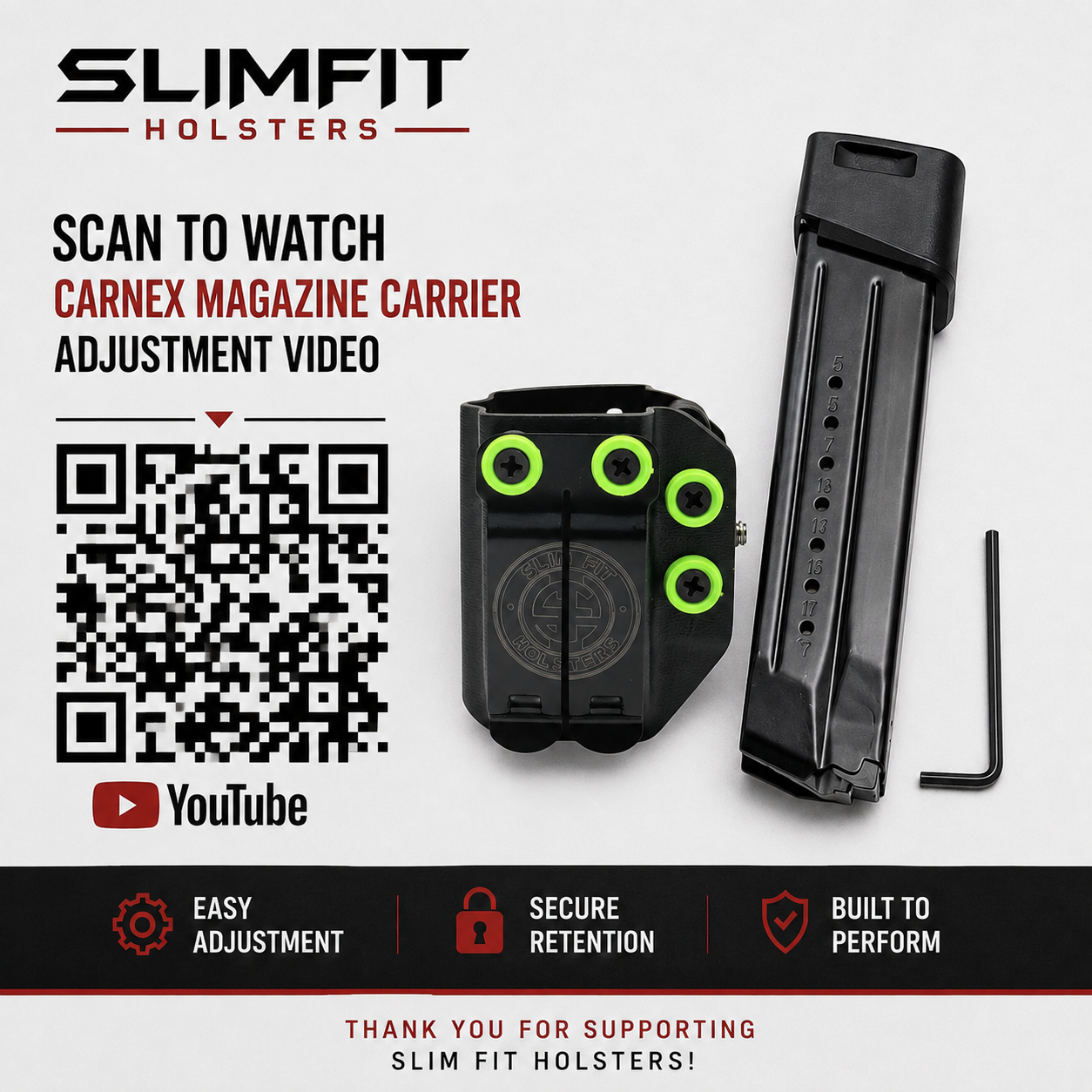
The Slim Fit Holsters MRD Magazine Carrier features adjustable retention, allowing you to fine-tune how tightly your magazine is held.
Adjusting the Magazine Retention
If your magazine feels too tight or too loose, you can easily adjust the retention.
- Locate the retention screw on the MRD Magazine Carrier.
- Turn the screw clockwise to increase retention and create a tighter fit.
- Turn the screw counterclockwise to decrease retention and create a looser fit.
- Make small adjustments—about ¼ turn at a time.
- Insert your magazine and test the retention after each adjustment.
The goal is to have enough retention to securely hold the magazine while still allowing for a smooth, consistent draw.
MRD Magazine Carrier Adjustment Video
Watch our step-by-step video below to see exactly how to adjust the retention on your MRD Magazine Carrier.
Watch: Slim Fit Holsters MRD Magazine Carrier – Adjustment Guide
Need Help?
If you have any questions about adjusting your MRD Magazine Carrier or you’re having an issue with your carrier, please contact Slim Fit Holsters. We’re happy to help you get your setup adjusted correctly.